
PDF Enhance
Turn blurry scans into crisp documents. One tap, privacy-first.
Improved enhancement quality and speed. Sharper text, cleaner backgrounds.
See it in action
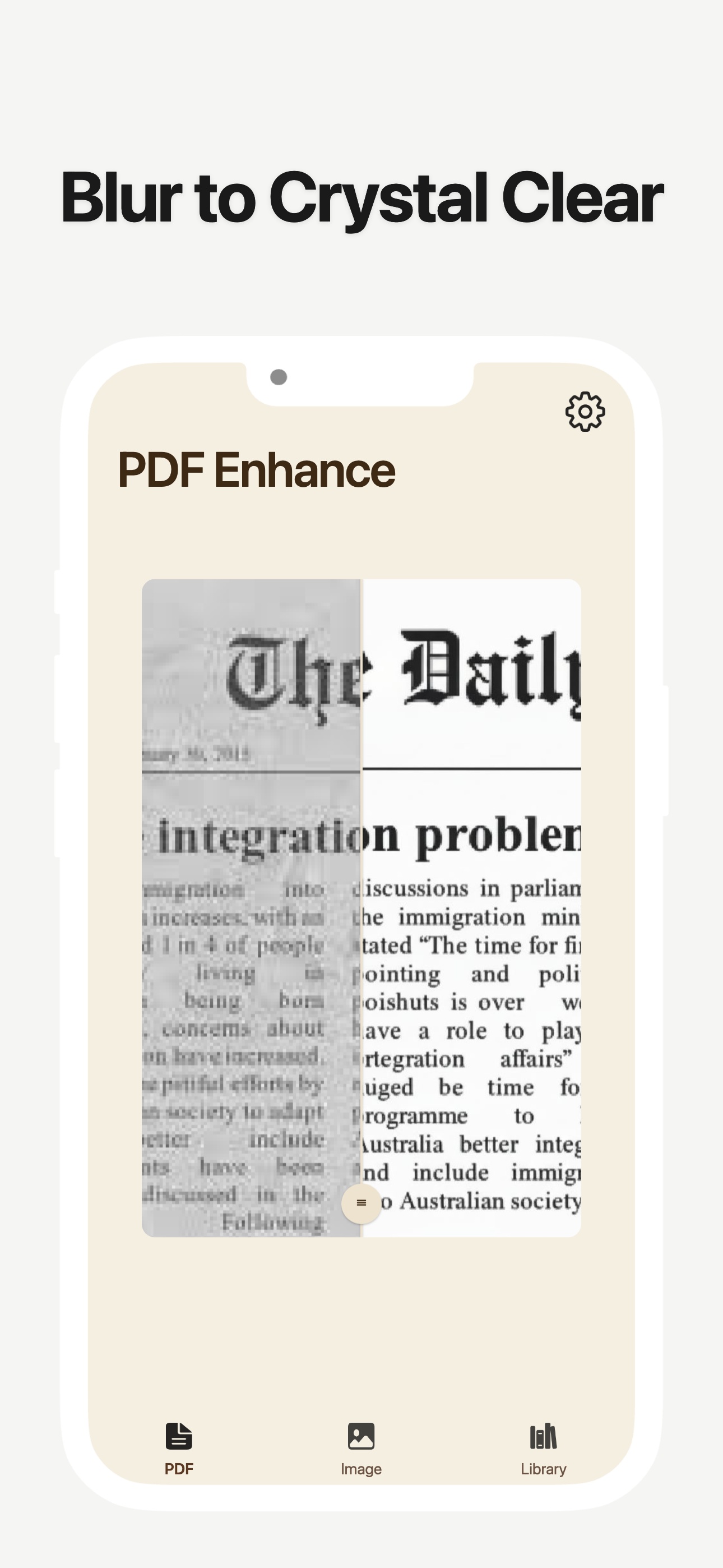
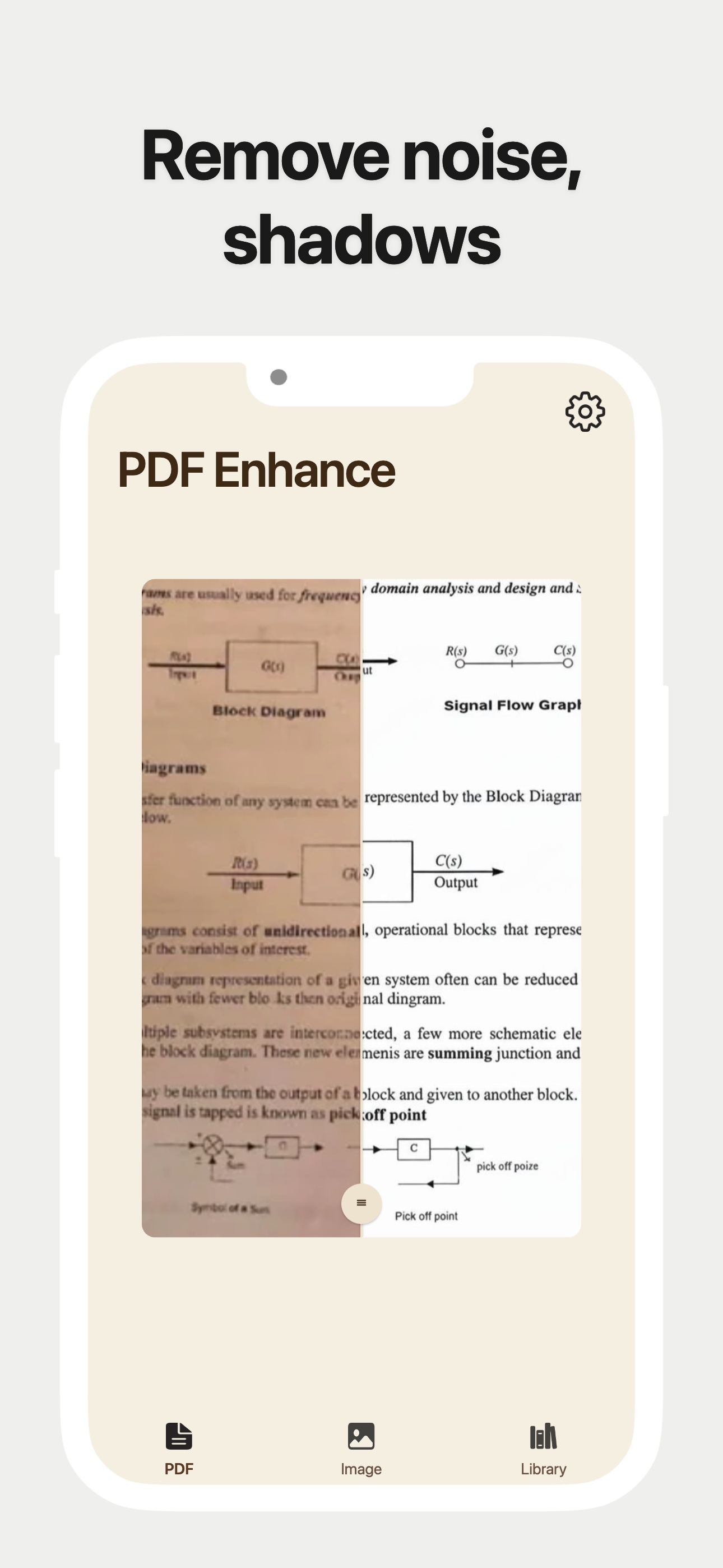
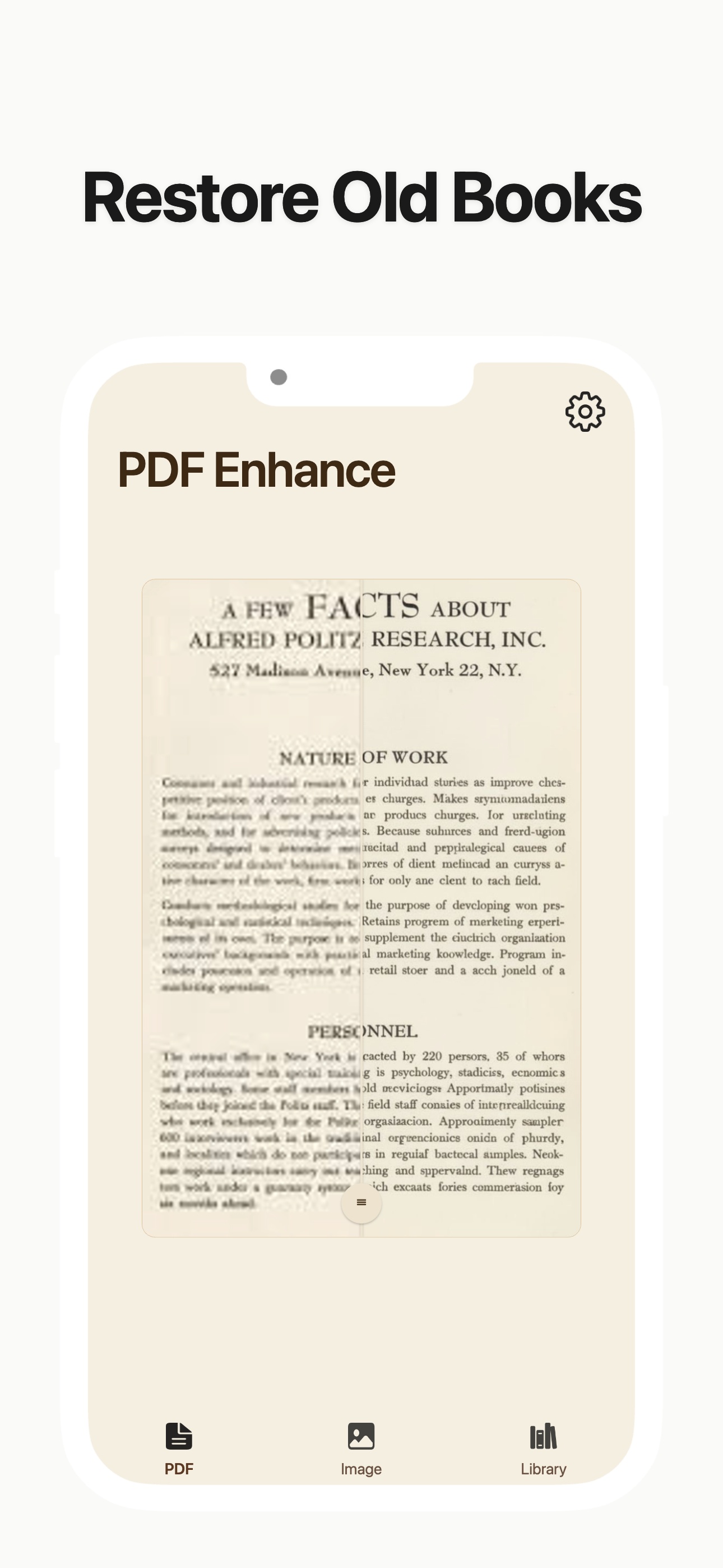
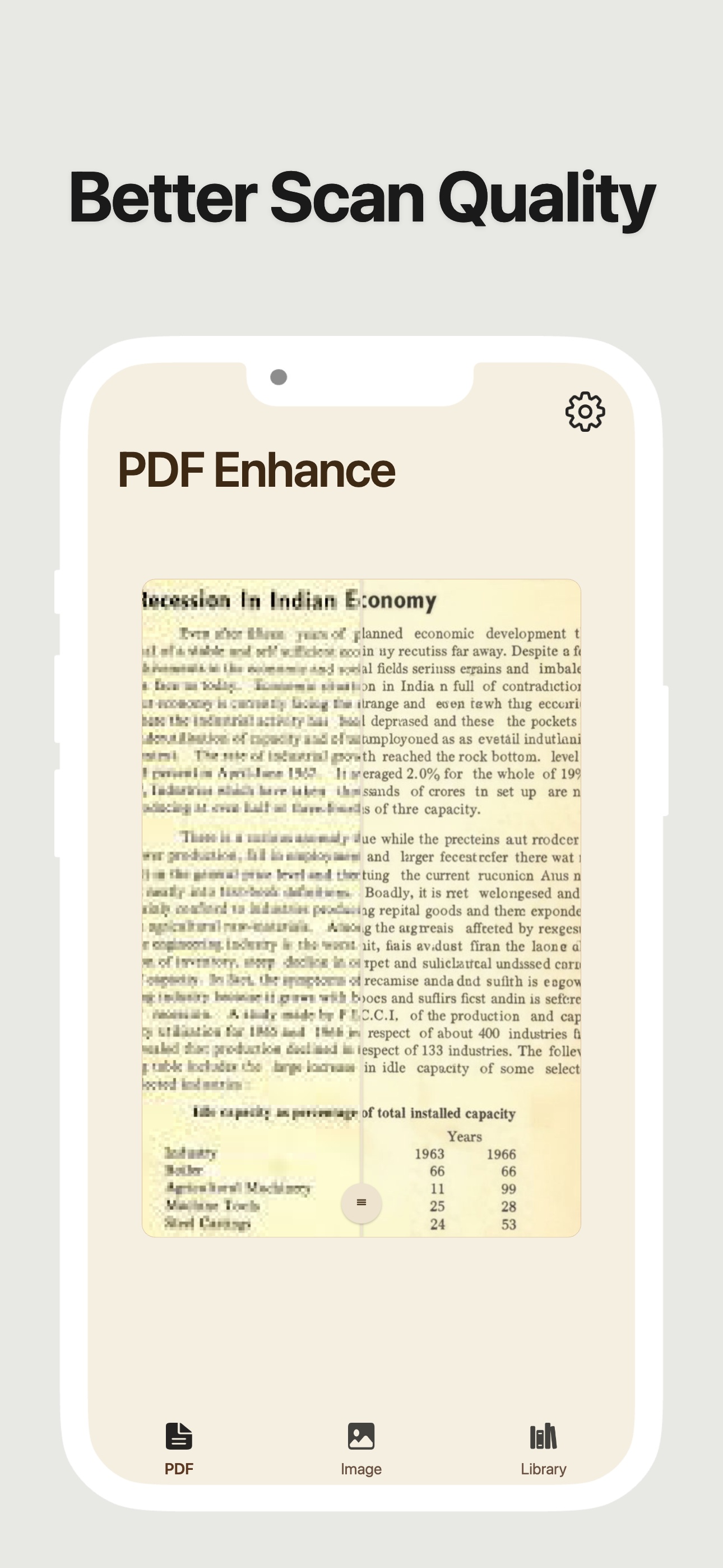
Turn Blurry Scans Into Professional Originals. Stop settling for unreadable documents. PDF Enhance is a precision reconstruction tool designed to rebuild your files from the ground up. In one tap, transform faded, noisy, or low-quality images into crisp, high-fidelity documents that look like they were born digital.
Reconstruction, not retouching.
Traditional scanners just adjust brightness; we rebuild clarity. Our advanced processing engine analyzes document structures to sharpen text edges, restore lost details, and deliver a clean, professional finish to every page.
Key Features
- High-Definition Text Sharpening: Automatically identifies and refines text characters, eliminating blur and maximizing readability.
- Intelligent Background Cleanup: Instantly purges distracting shadows, paper creases, and digital noise for a pure, professional white background.
- Document Fidelity Restoration: Preserves the authenticity of official stamps and signatures while enhancing the overall visual quality.
- Precision Geometry Correction: Automatically flattens tilted photos and fixes perspective for a perfect, top-down digital view.
Privacy & Security
Your documents are yours alone.
PDF Enhance is built with a Privacy-First architecture:
- •Encrypted Transmission: All files are transferred via end-to-end encrypted channels (TLS 1.3).
- •Zero-Data-Logging: We never store, view, or use your documents for any other purpose.
- •No Account Required: Start enhancing immediately without sharing your personal information.
Available on the App Store. Start enhancing your documents today.